Choose your photo
Choose a JPG, PNG or WebP photo, then run background removal.
 Haru Edit.HARU EDITSupport (External page, new tab)
Remove a photo background and save a transparent PNG.
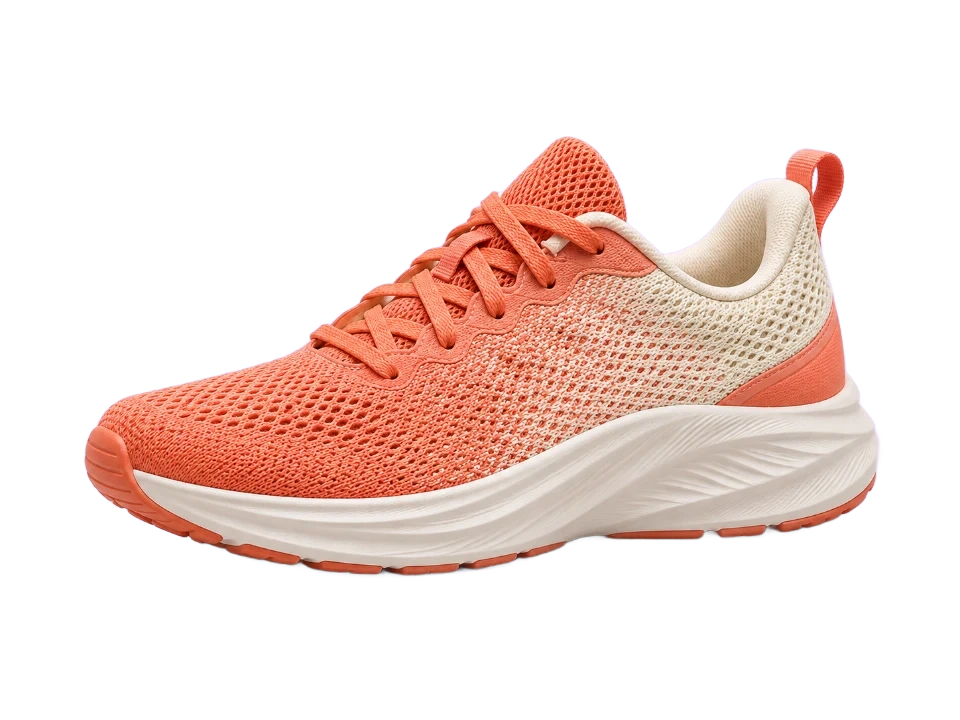
First use downloads the AI model. Hair, glass and complex edges may need manual editing in another tool. Photos stay on your device.
Choose a JPG, PNG or WebP photo, then run background removal.
The first run downloads an AI model. Compare the result and inspect the edges.
Choose transparent, white or solid color and save as PNG. Your original stays unchanged.
Choose a JPG, PNG or WebP, run AI removal, compare the result and choose a background color.
Drag the ↔ handle on the image to compare before and after.
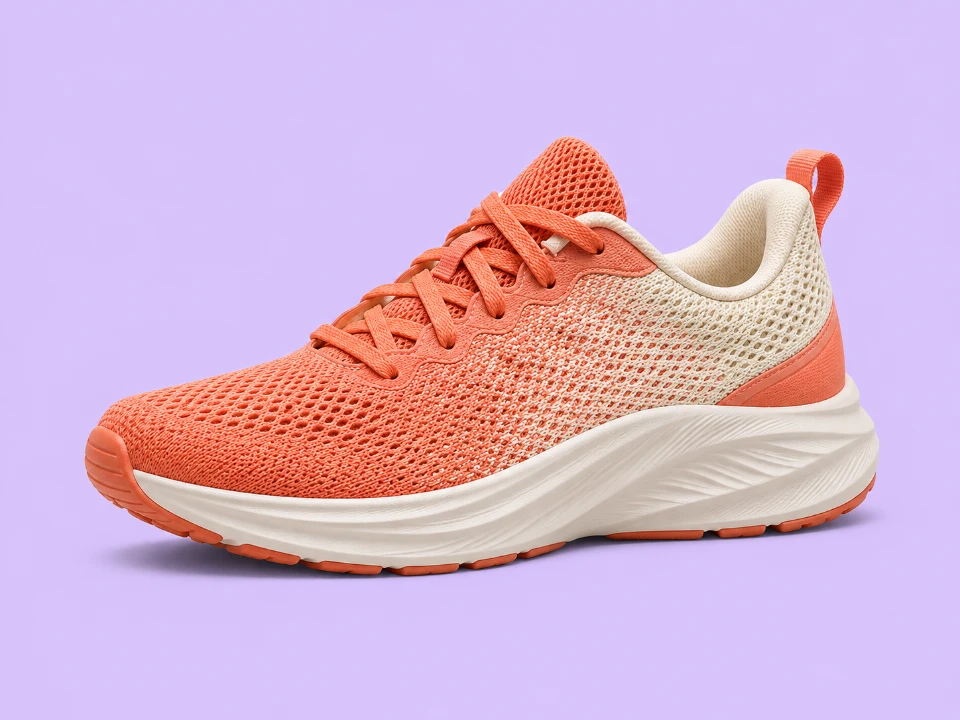
An AI-generated product sample processed with the actual Haru Edit tool. Results and processing time vary by photo and device.
Photos are not uploaded. AI runtime files and models are downloaded from the IMG.LY CDN, and inference runs in your browser.
The browser downloads a model to run AI locally. Keep your connection active. Time varies with your device and photo size.
Hair, glass, translucent subjects and complex backgrounds can leave residue or lose details. Inspect the preview before saving.