
Why a transparent PNG looks white
A white preview does not prove an image is opaque. Check transparency over a checkerboard or a colored background.
How to use
- Open a PNG over a checkerboard to see which pixels are transparent. Some image viewers display transparency as white.
- Use Background remover to save transparent PNG. Choose Transparent in the result editor before downloading.
- JPG cannot keep alpha transparency: transparent areas become white. Use PNG when placing a cutout over another design.
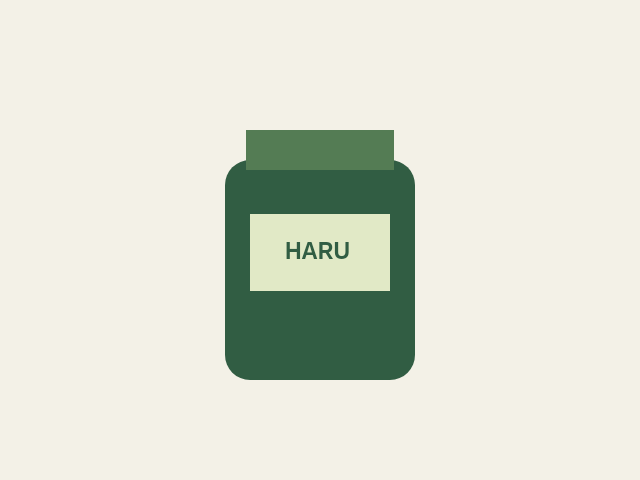
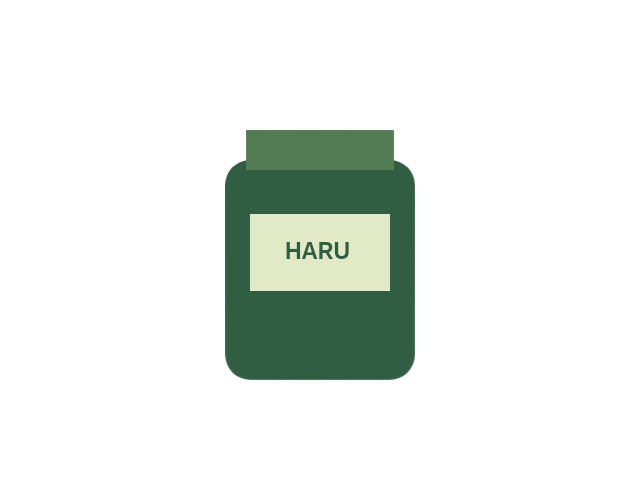
This sample was drawn for Haru Edit and processed with the actual tools. Real photo results and file sizes vary. Inspect edges before using the result.
Use this tool
Background remover ↗
Choose a JPG, PNG or WebP, run AI removal, compare the result and choose a background color.
First use downloads the AI model. Hair, glass and complex edges may need manual editing in another tool. Photos stay on your device.
PNG to JPG ↗
Choose a PNG and set the JPEG quality before converting.
Transparent areas become white. Changing a filename extension alone does not convert an image.
JPG to PNG ↗
Choose a JPG, convert and download the result.
Conversion does not restore detail lost in the JPG and does not remove its background.