
A 500KB limit concerns file size; a 1,000px width concerns dimensions. Check format, pixels and bytes separately, then adjust output format, quality and dimensions. No exact target KB is guaranteed.
Prepare before starting
The compressor exports JPG or WebP. JPG fills transparent areas with white; WebP retains transparency. If PNG is mandatory, do not submit a JPG or WebP result.
Equal pixel dimensions do not imply equal bytes: image content, format and quality matter. The original is unchanged, so keep it for comparison.
Follow the tool steps
- Check the destination’s accepted formats, maximum KB or MB, pixel dimensions and aspect ratio.
- Choose an image and select JPG or WebP, considering both transparency and compatibility.
- Start at 85% and compare. Try 70% or 50%, or adjust the quality slider if a smaller file is needed.
- Reduce the longest edge to 1920, 1280 or 640px when needed. Small images are not enlarged. Use Image resizer for an exact width and height.
- Check actual bytes, dimensions, text, faces and edges. If the result is larger, download the unchanged original or lower settings and convert again.
Verified example from the actual tools
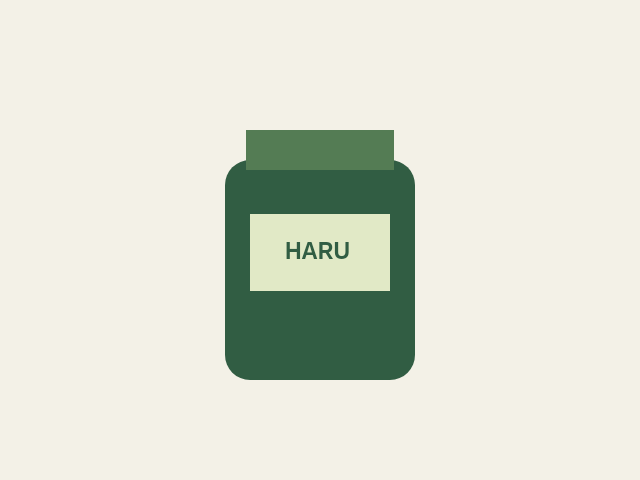
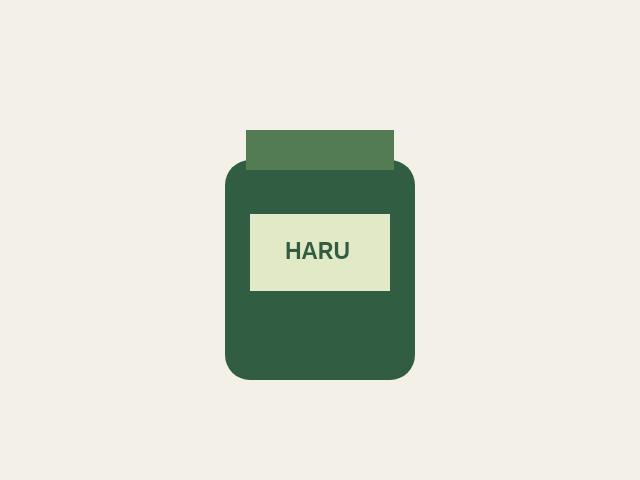
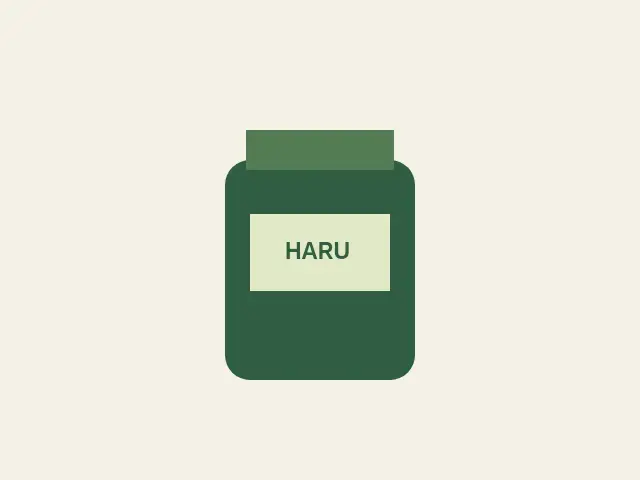
These are measured outputs from our self-authored product sample using the real tools. WebP at 70% is shown both at original dimensions and after resizing to 320 × 240px. This simple graphic favors PNG; normal photographs will not necessarily shrink by the same ratio.
| Actual output file | Pixel dimensions | File size |
|---|---|---|
| PNG | 640 × 480px | 5.1 KB (5216 bytes) |
| JPG · 75% | 640 × 480px | 5.8 KB (5892 bytes) |
| WebP · 70% | 640 × 480px | 2.1 KB (2102 bytes) |
| WebP · 70% | 320 × 240px | 1.2 KB (1234 bytes) |
Measured output · 1 KB = 1,024 bytes · Run date 2026-10-22
Troubleshoot common problems
- Still over 500KB: lower quality, then reduce dimensions if needed. There is no automatic target-KB mode. Make sure small text stays readable.
- Download disappeared after changing settings: the old result is removed to avoid saving the wrong version. Convert again for the updated output.
- Upload rejected: make sure you selected the downloaded result, used an accepted format and met pixel and aspect-ratio rules. Leave some room below the byte limit because unit conventions can differ.
Limits and checks
Compression is lossy; increasing quality does not restore absent detail. Lossless PNG optimization, cropping, padding and a guaranteed target file size are not provided. Confirm acceptance with the actual destination upload.
Tools used in this guide
Self-authored samples were processed with the actual browser tools. Files and input content are not sent to our server; originals are unchanged.