
Add photos in order and convert: each image becomes one PDF page. This tool does not arrange several images on an A4 sheet.
Prepare before starting
Prepare still JPG, PNG or WebP files. HEIC and GIF are unsupported; save a supported format first instead of renaming the extension.
Choose up to 30 files, 50MB each and 100MB combined. Input images must fit 25 million pixels and 16,384px per edge; output canvases are limited to 8,192px per edge. Resize large photos first.
Follow the tool steps
- Open Image to PDF and select the first photo.
- Add more photos individually or choose several at once. The selected image count is the output page count.
- Use arrows to set the order and remove unwanted photos. Reselecting an existing file later avoids an accidental duplicate.
- Convert and download images.pdf.
- Open the PDF and check orientation and text clarity. Use Extract PDF pages if you need individual pages afterward.
Verified example from the actual tools
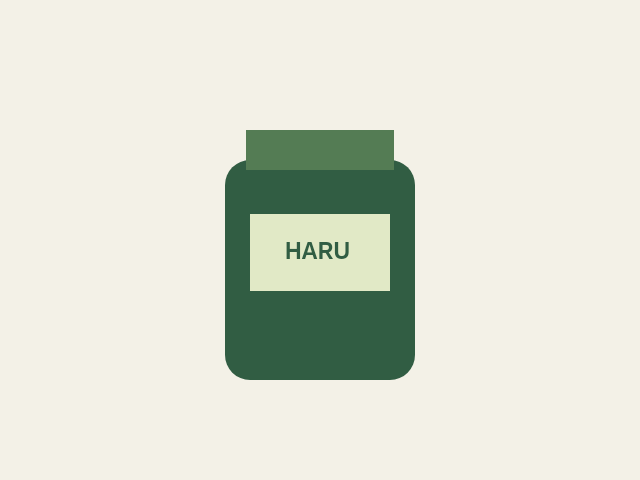
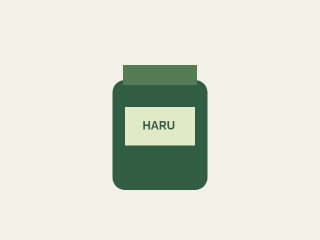
We combined our 640 × 480px product PNG and its 320 × 240px version with the actual tool. The result has two pages in that order. Each page follows the corresponding image dimensions and proportions.
Troubleshoot common problems
- Text is not searchable: combining pictures does not run OCR. It does not turn photographed text into selectable or searchable text.
- Not A4: PDF page sizes are derived from image dimensions. A4 fitting, margins, cropping and rotation controls are not provided.
- Large output: images are re-encoded as PNG in the PDF, which can be larger than source JPGs. Reduce pixel dimensions first and verify that text remains legible.
Limits and checks
Original photos are unchanged. Transparent images may look different depending on the PDF viewer background. Apply a background color first when white is required. Review content and metadata separately before submitting confidential documents.
Tools used in this guide
Self-authored samples were processed with the actual browser tools. Files and input content are not sent to our server; originals are unchanged.